


Open Source
Firmware
Free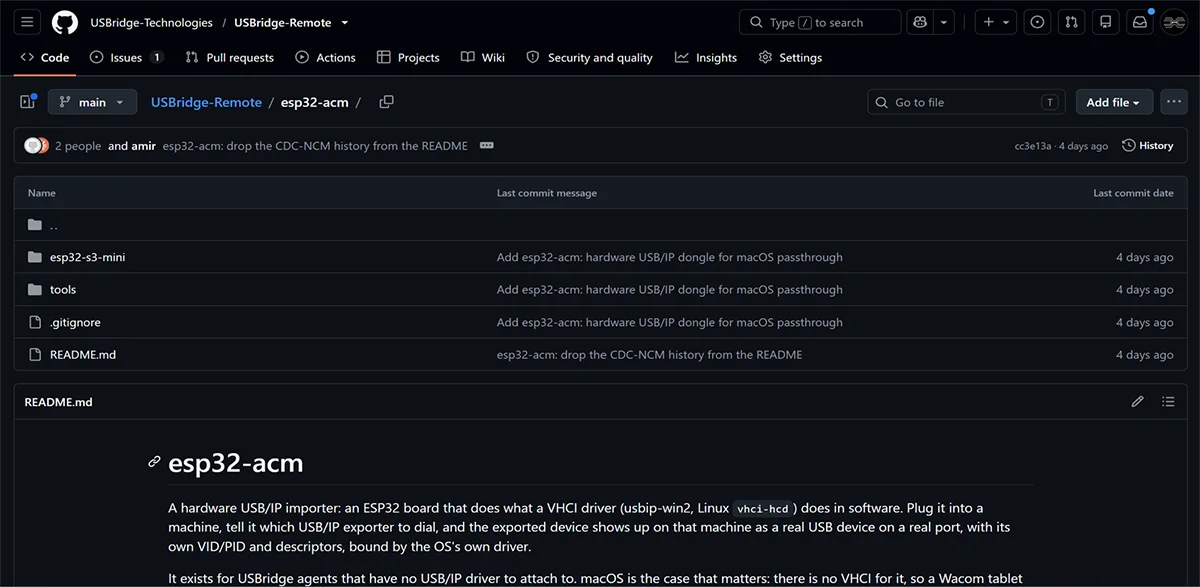
Flash your own ESP32-S3 board. Get the source code and build instructions directly on GitHub.
Download FirmwaremacOS has no native software path for USB passthrough. An ESP32-S3 dongle (USB/IP over the network) presents a remote Wacom or other drawing tablet to the Mac as a real USB device, so the original driver, pen pressure, tilt and Express Keys all work.
Flash your own ESP32-S3 board. Get the source code and build instructions directly on GitHub.
Download Firmware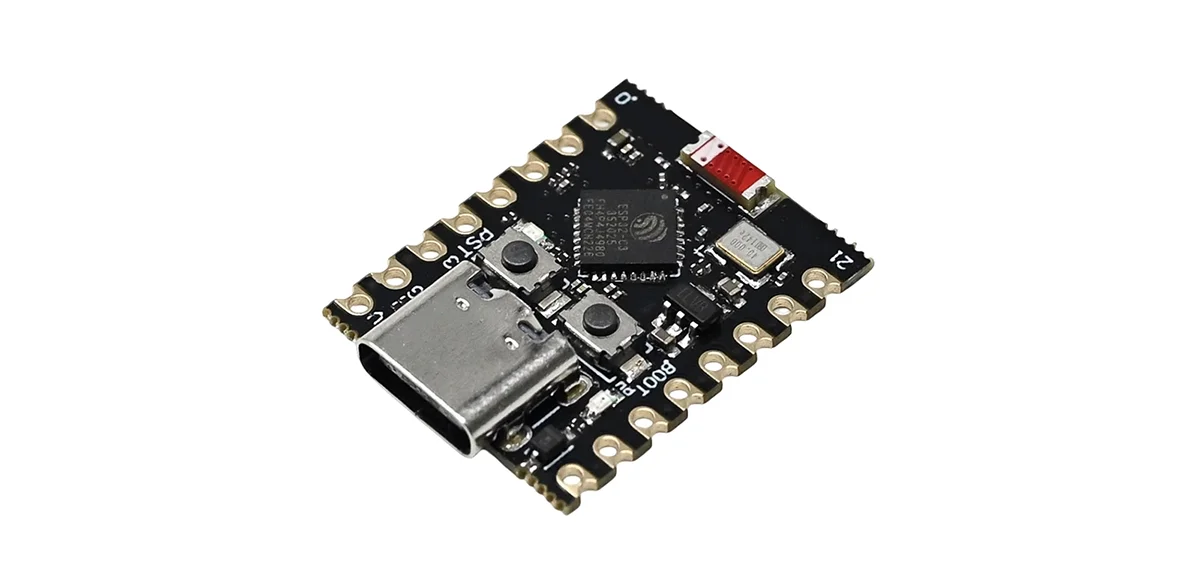 $10
$10Pre-flashed, ultra-compact ESP32-S3 USB dongle. Plug into a MacBook for instant hardware passthrough.
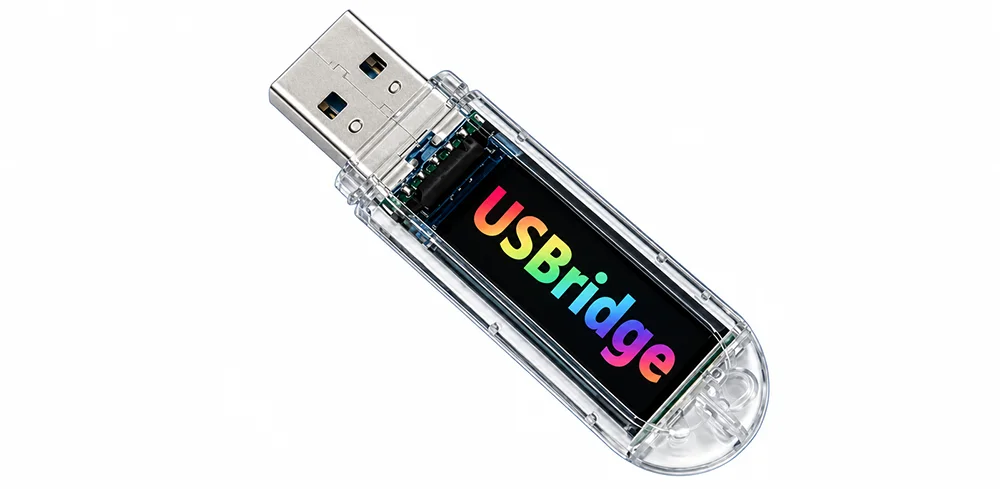
The same pre-flashed ESP32-S3 in a USB stick case with a small status screen. Price revealed at the Kickstarter launch.
KickstarterKickstarter Exclusive Bonus: Back any hardware tier on Kickstarter and get 6 Months of Pro Subscription FREE.
A local tablet with pressure, tilt, and buttons, plus the picture the pen is drawing on.
Paint, sculpt, and grade with 10-bit HDR and 4:4:4 lossless color.Powered by the USBridge streaming agent for pixel-perfect clarity and zero lag.
A remote Wacom appears as a local USB device on macOS.The official driver sees it natively: pressure, tilt, and Express Keys, with no software workaround.
Flash any off-the-shelf ESP32-S3 in minutes.Use a board you already own for hardware USB passthrough on macOS. No need to wait for shipping.
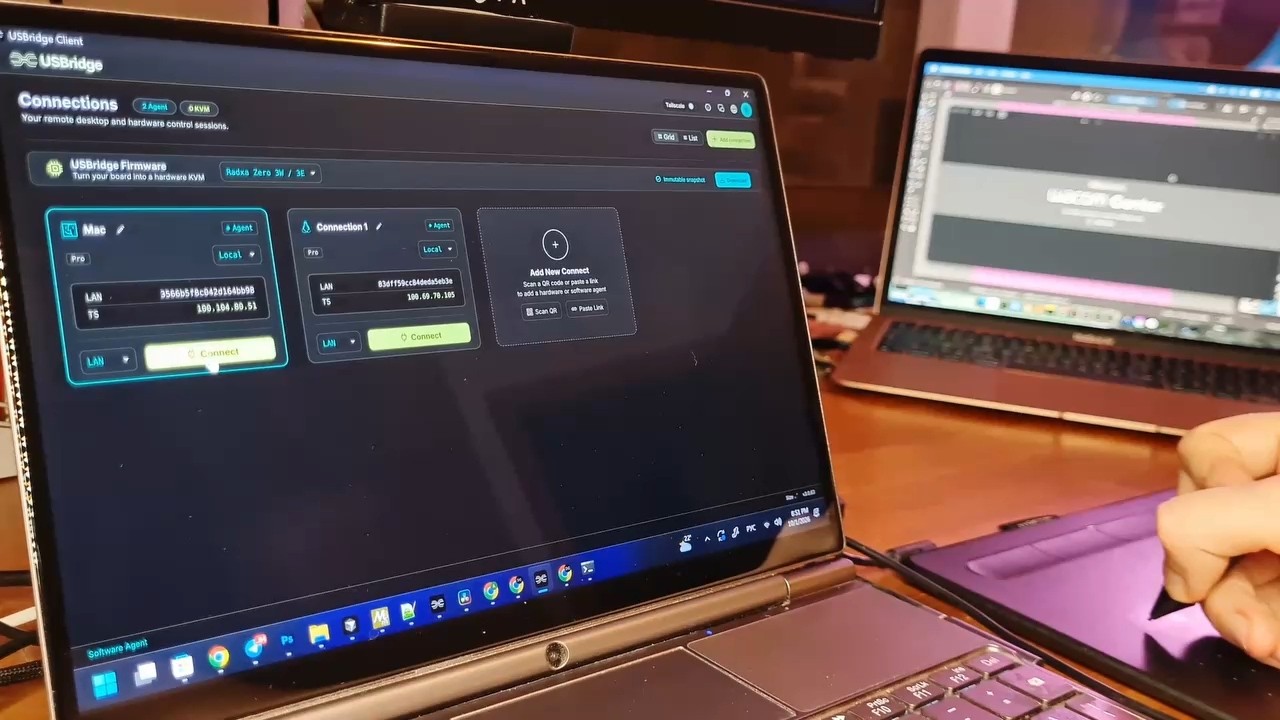
Paint, sculpt, and grade remotely with zero visual compromises.Powered by the USBridge Agent streaming engine with lossless color accuracy and ultra-low latency.
Whether you are color grading in DaVinci Resolve, sculpting high-poly meshes in ZBrush, or painting fine details in Photoshop, the USBridge Pro Agent keeps the color and the pen input fluid in real time.
Connect a remote Wacom to macOS without a driver conflict.The ESP32 dongle emulates USB in hardware, so the Mac treats the remote tablet like one plugged in directly.
Flash any off-the-shelf ESP32-S3 in minutes.Use a board you already own for hardware USB passthrough on macOS.
Yes. The ESP32-S3 dongle in the Mac presents the remote tablet's own USB identity, so macOS registers a real tablet and Wacom Center sees it. Express Keys, pressure curves and pen shortcuts are set up the same way as on a tablet plugged into the Mac. No kernel extension is needed.
macOS has no native software path for USB passthrough. USBridge emulates the USB device in hardware: a $10 ESP32-S3 dongle on the Mac receives the tablet over the network (USB/IP) and plugs it in as if it were attached directly.
Yes: pressure, tilt, the eraser and the tablet buttons. Pen pressure and tilt for graphics tablets are a Pro plan feature of the USBridge agent ($8 per month).
Wacom, Huion, XP-Pen and other drawing tablets. Wacom tablets keep their own driver, so Wacom Center sees them.
Yes. The ESP32-S3 firmware is open source on GitHub (USBridge-Technologies/USBridge-Remote, folder esp32-acm). You can flash your own ESP32-S3 board or buy the pre-flashed $10 dongle.
On macOS set Allow accessories to connect to Always. Each attached tablet looks like a new USB device, and the trust prompt can block it before the driver binds.
See also: remote USB passthrough for gamepads, MIDI and any USB device, the USBridge agent with the Pro plan for pen pressure and tilt, the USBridge client and USBridge KVM hardware.
On macOS, set Allow accessories to connect to Always. Each attached tablet looks like a new USB device, and the trust prompt can block it before the driver binds.
Pre-flashed. Plug it into a Mac and a remote graphics tablet shows up as a local USB device.
The same pre-flashed ESP32-S3 in a USB stick case with a small status screen. Coming to Kickstarter.